Vscode Shadcn Svelte


shadcn-svelte
[!NOTE]
The Shadcn Svelte VSCode Extension now supports both Svelte 4 and Svelte 5. The following are the abbreviations for help, imports, and usage specific to their respective Svelte versions: Svelte 4:cn-help,cni-accordionandcnx-accordion. Svelte 5:cn-x-help,cni-x-accordionandcnx-accordion-next.
This VSCode extension enables you to install shadcn/svelte components directly from your IDE ✨.
Initialize the Shadcn/Svelte CLI
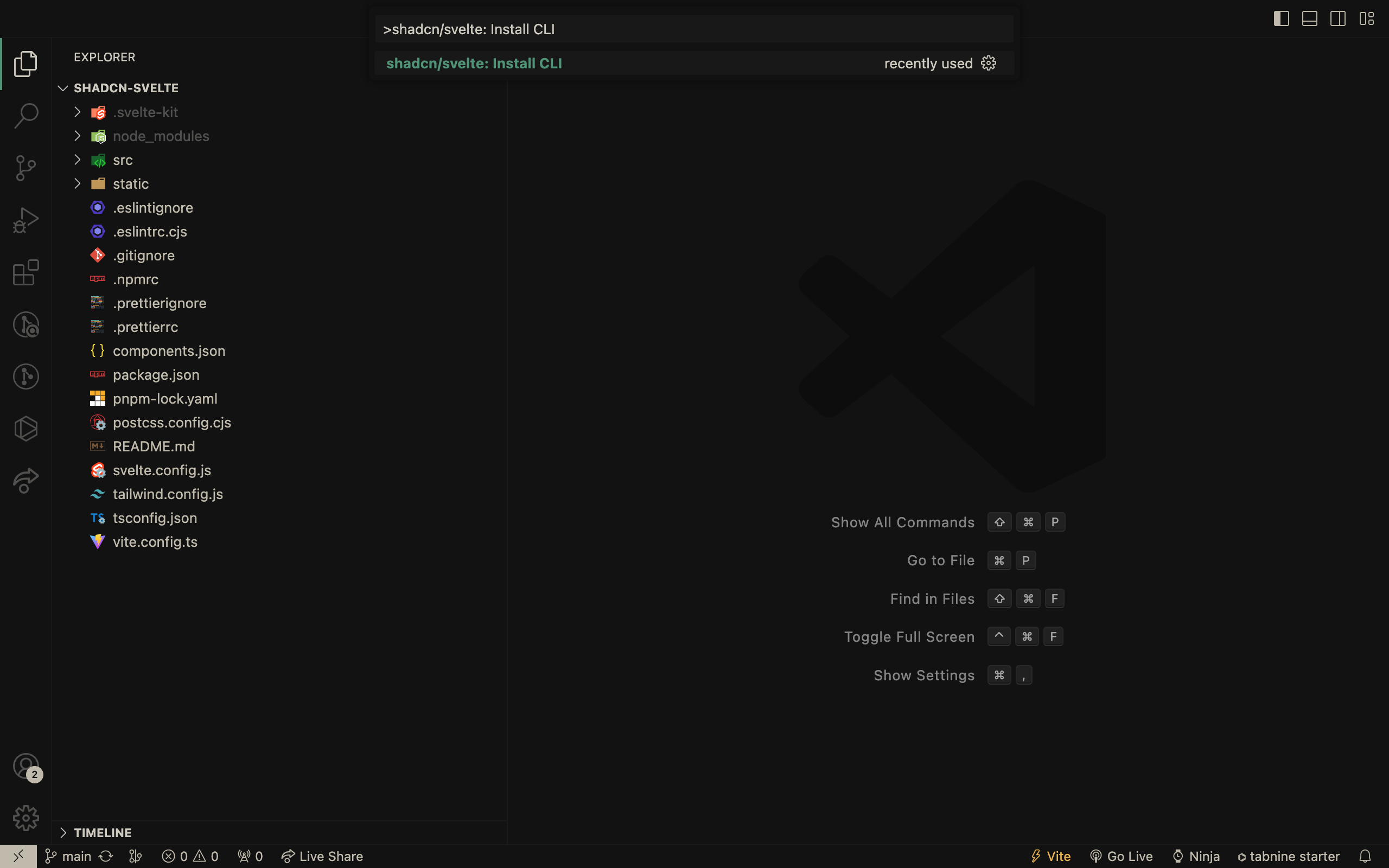
Install components
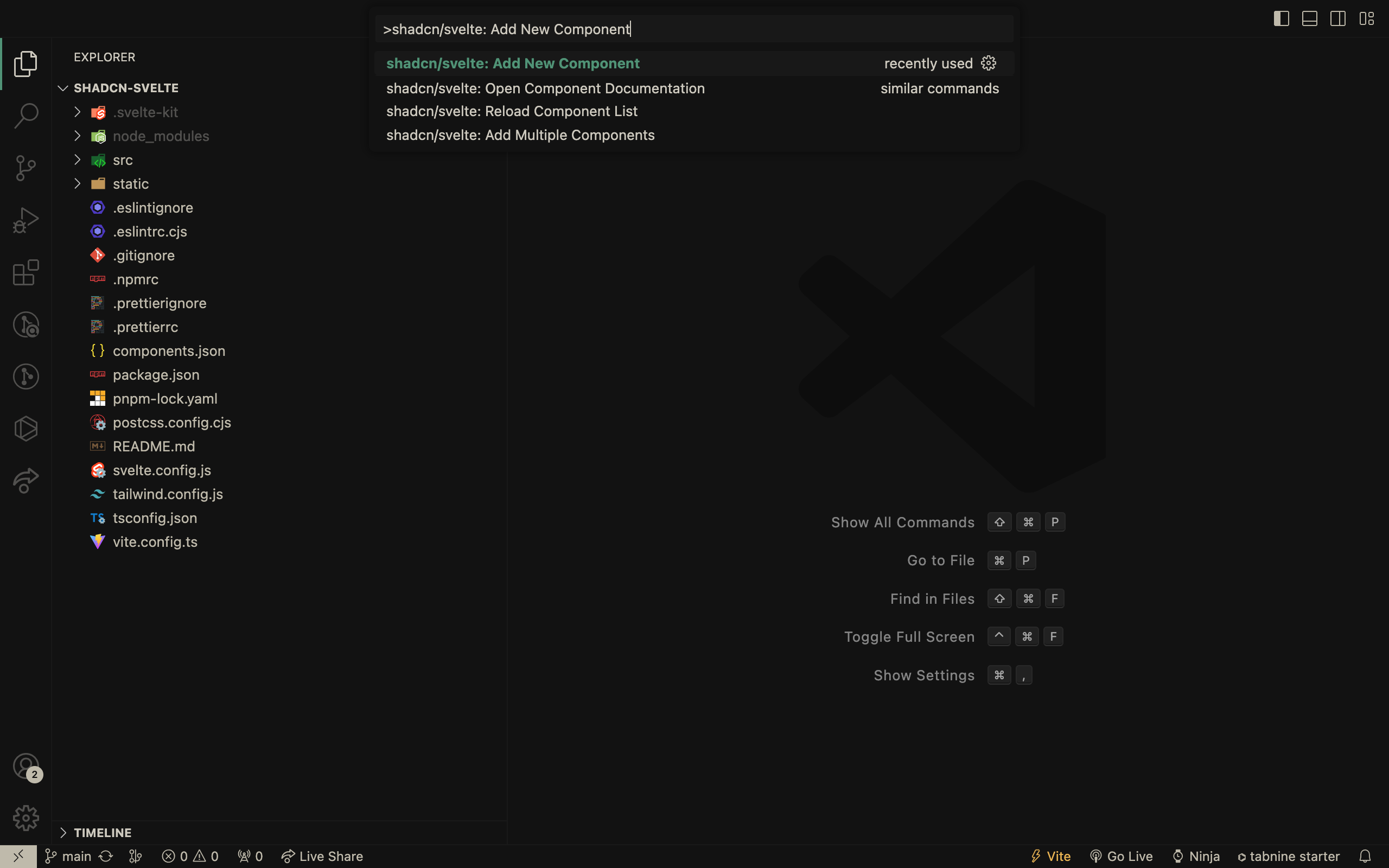
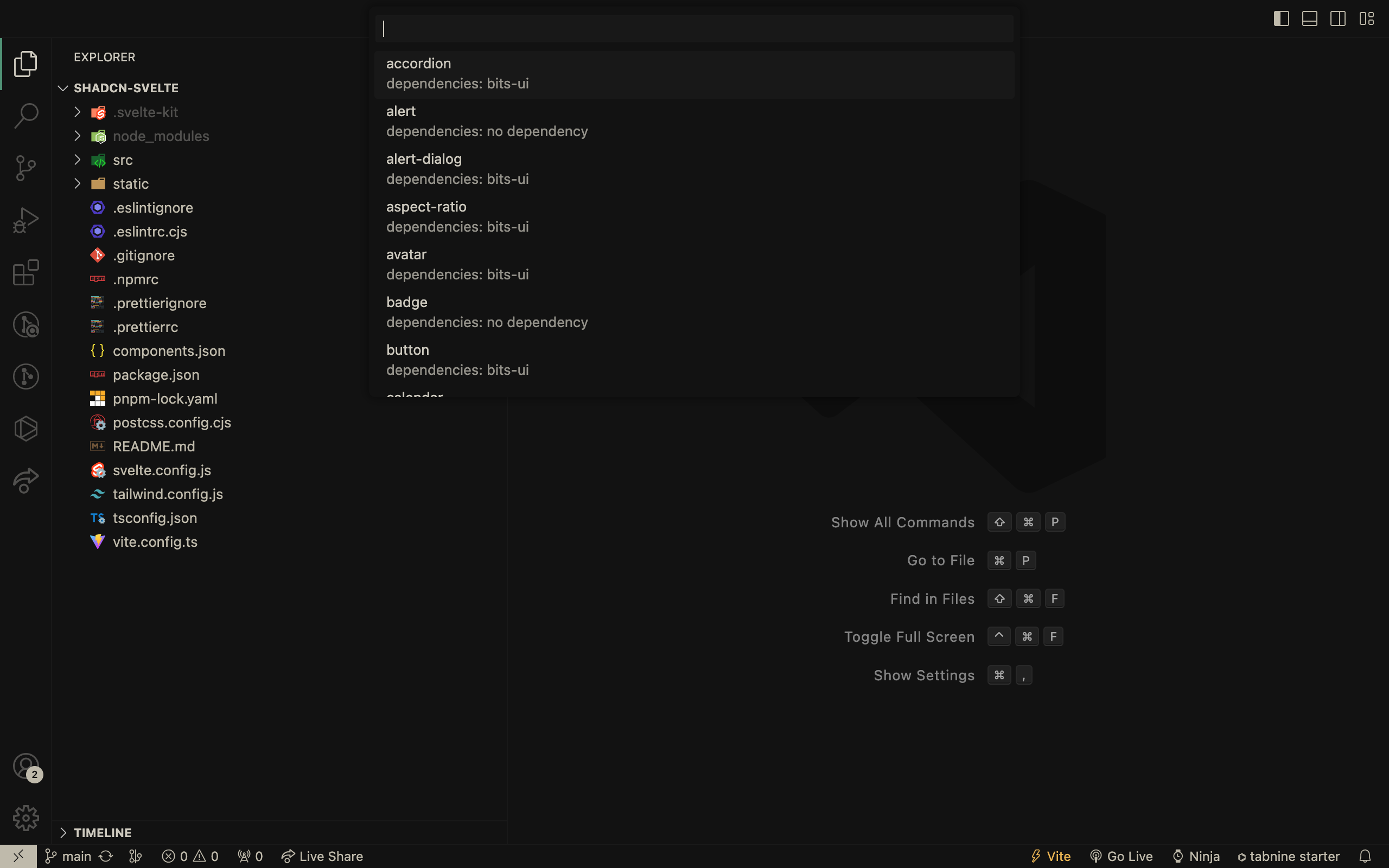
Choose a component to install from the list
Install multiple components
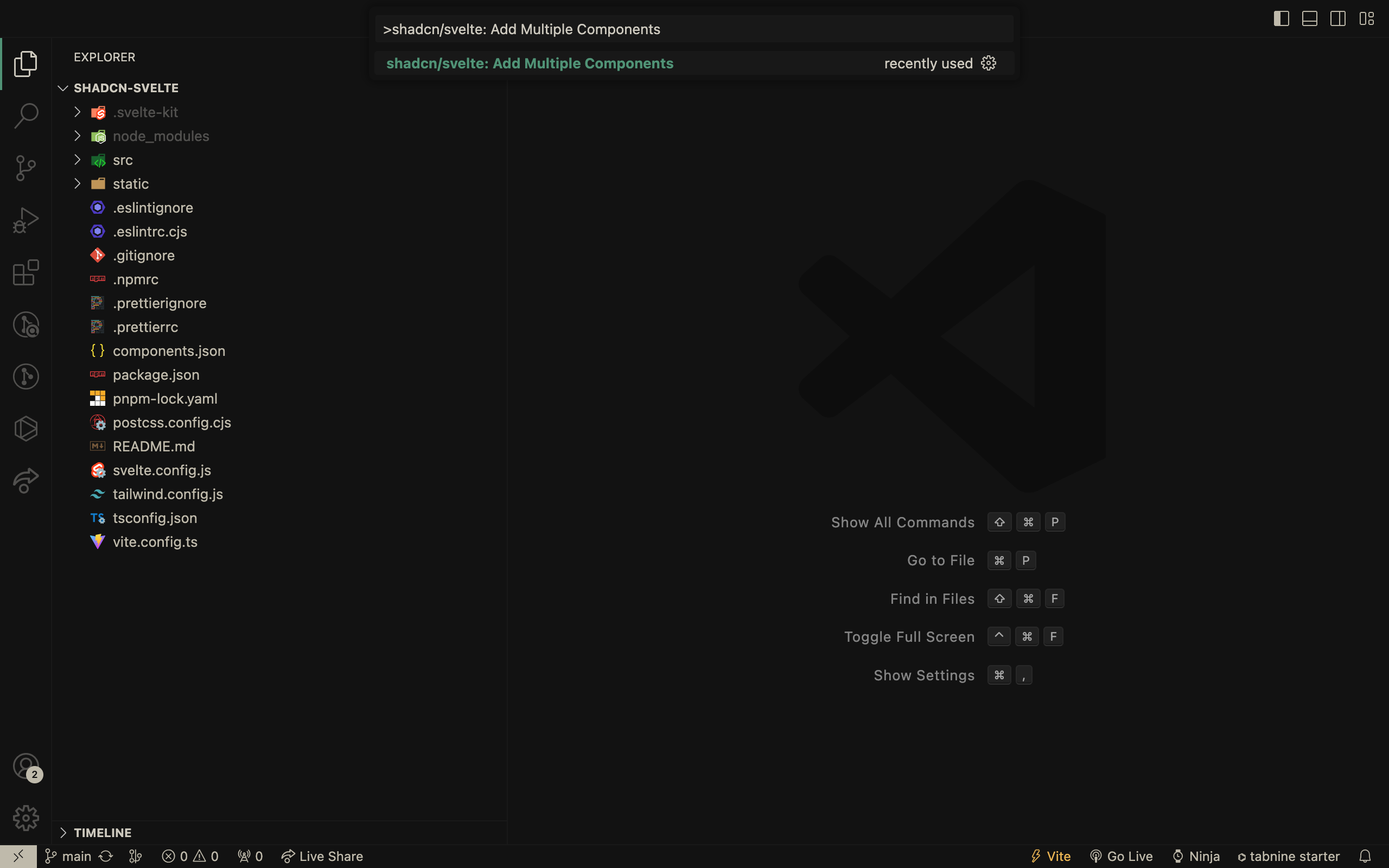
Choose components to install from the list
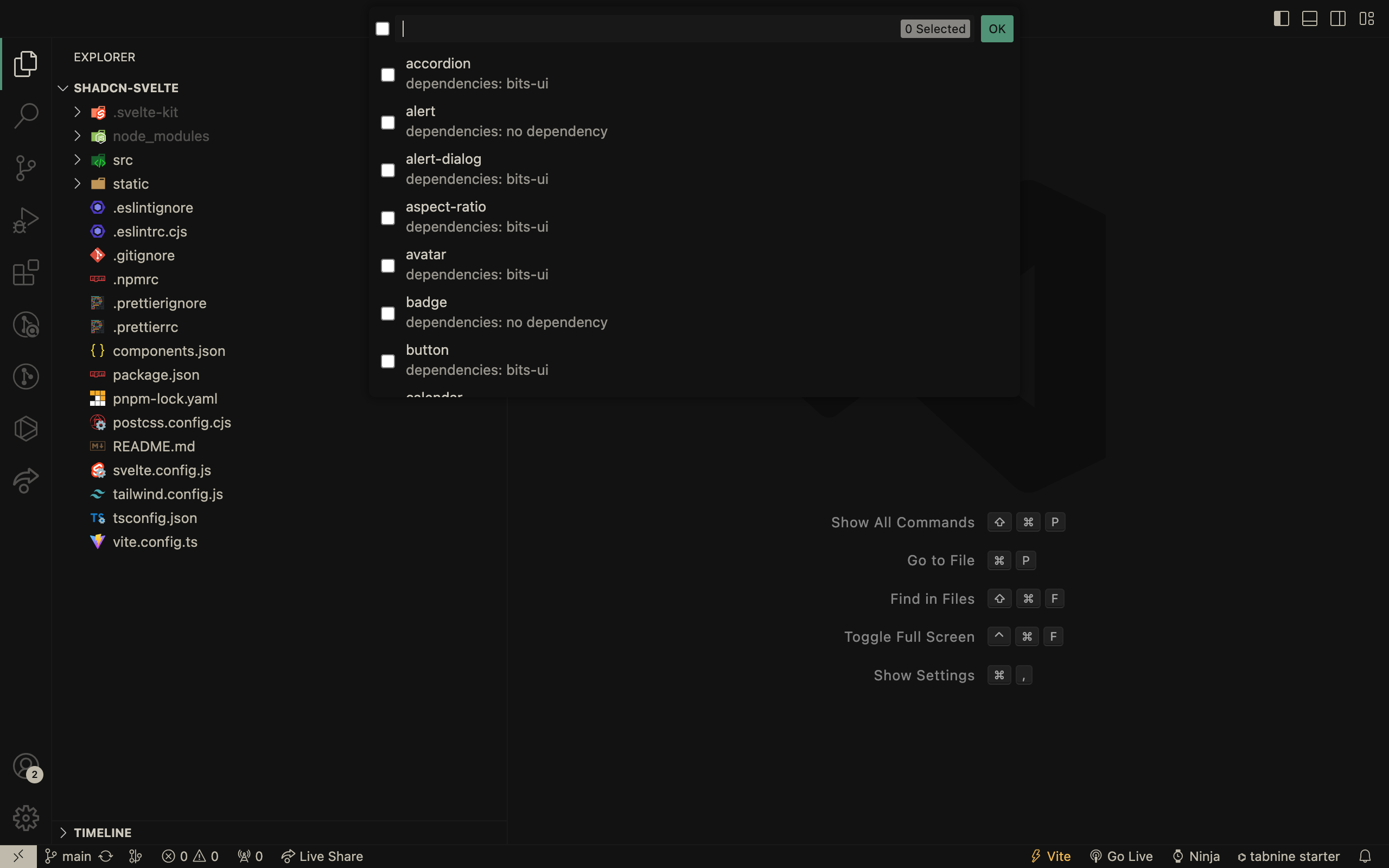
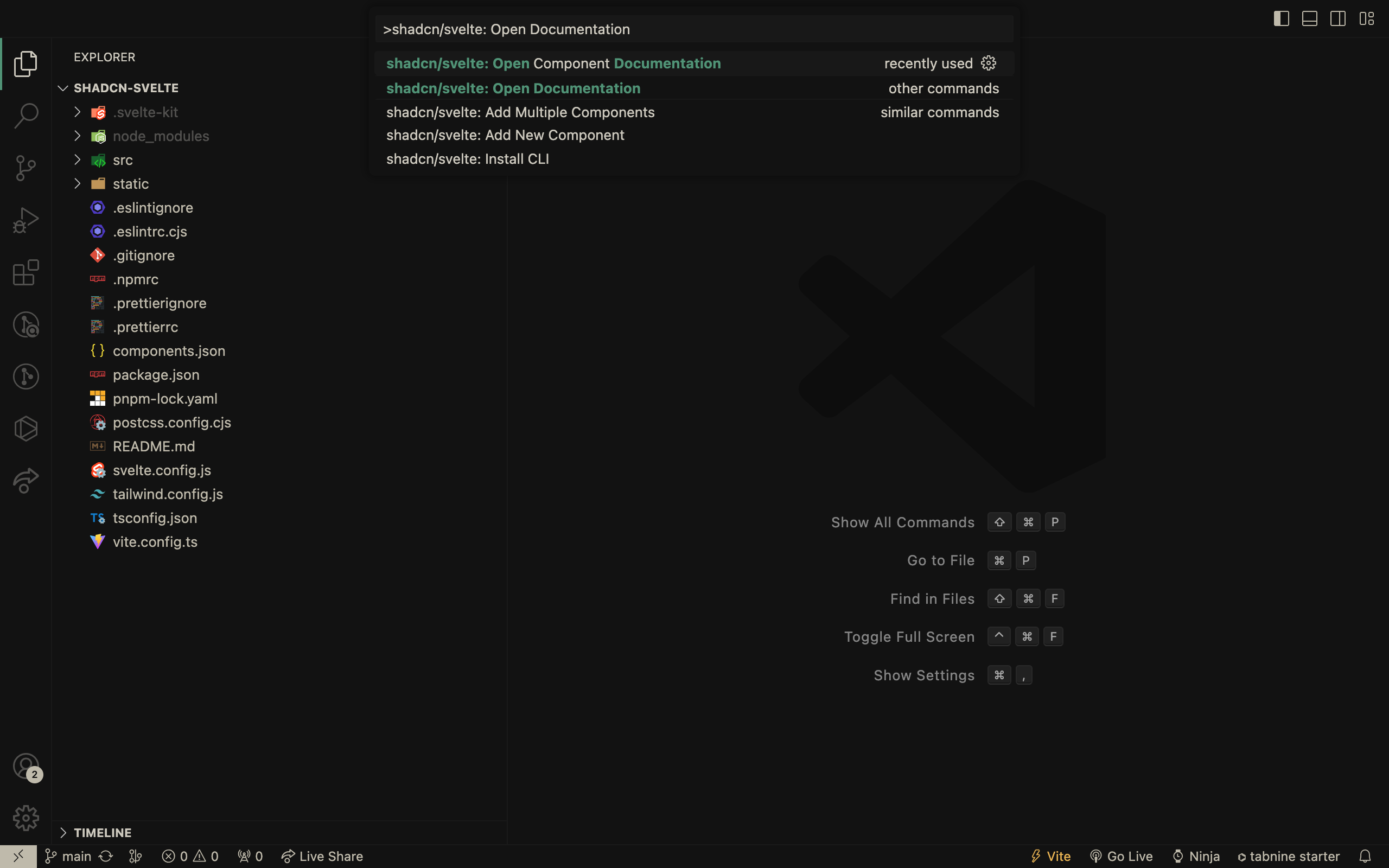
Open the Shadcn-Svelte documentation
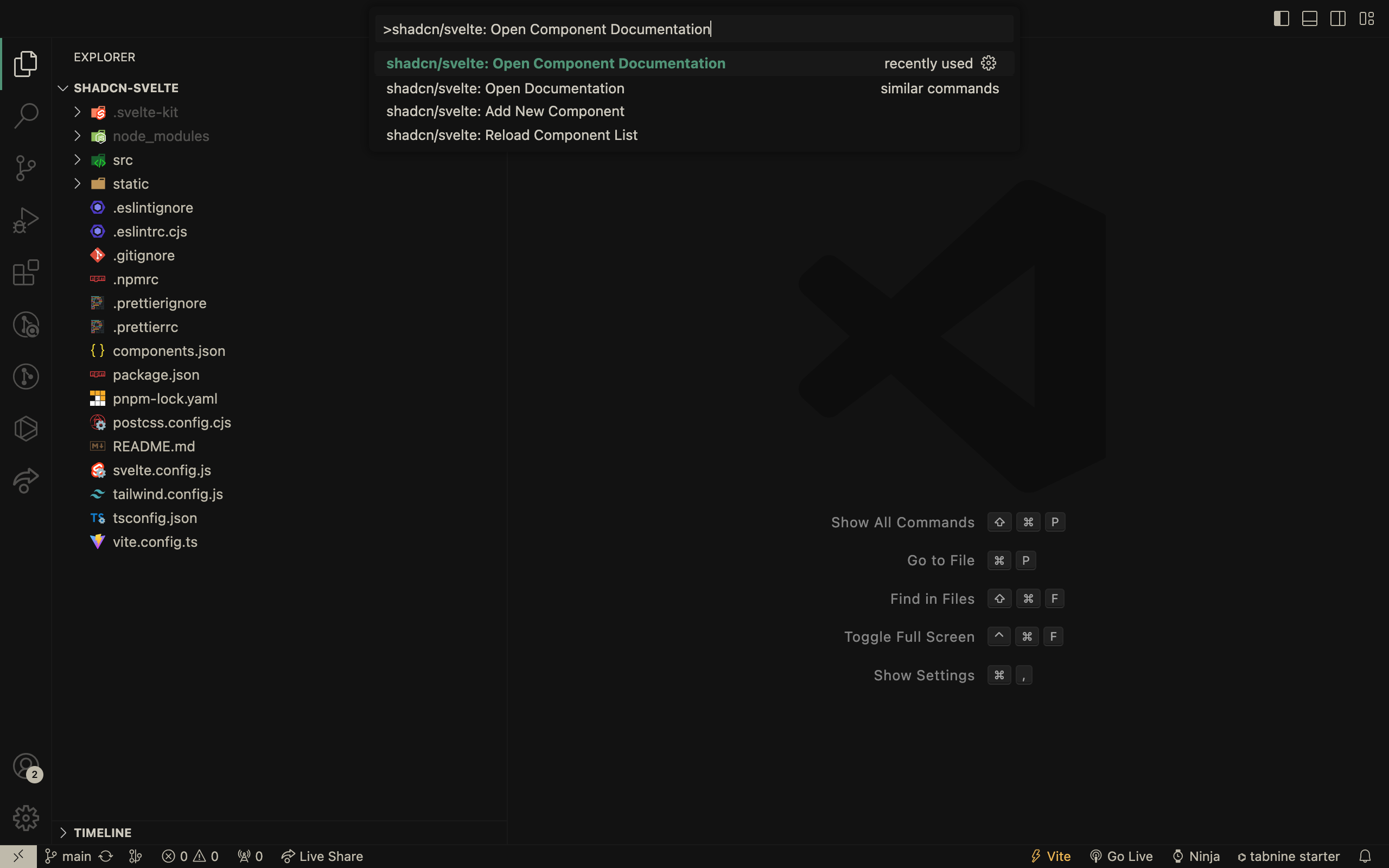
Navigate to a particular component's documentation page
Shadcn/Svelte Snippets
Easily import and use shadcn-svelte components with ease using snippets within VSCode. Just type cn or shadcn in your svelte file and choose from an array of components to use.
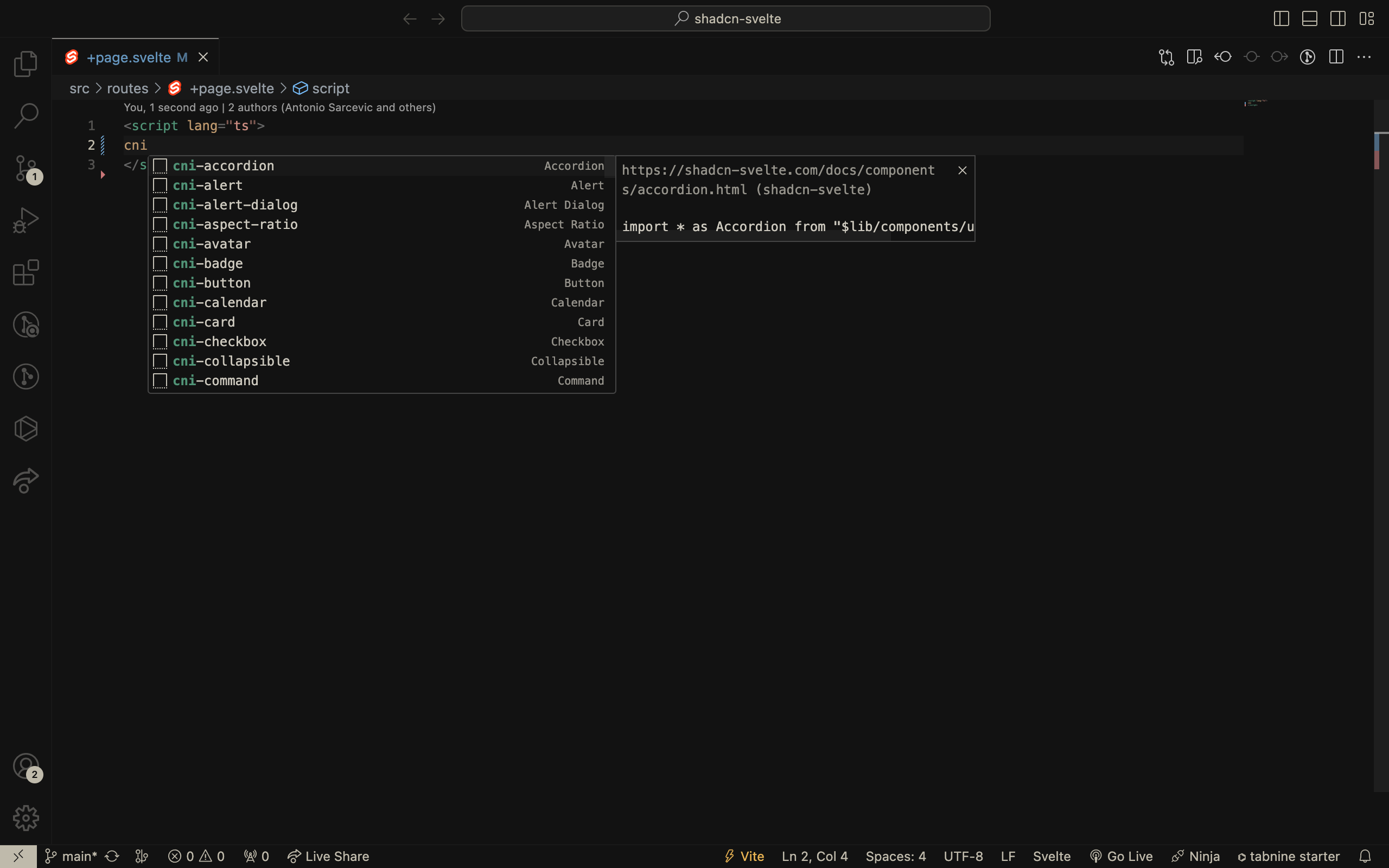
How it works
| Snippet | Description |
|---|---|
cn-help |
How to use shadcn/svelte snippets |
cn-x-help |
How to use shadcn/svelte@next snippets |
cni-[component] |
Adds imports for the component |
cni-x-[component] |
Adds imports for the shadcn/svelte@next component |
cnx-[component] |
Adds the markup for the svelte component |
Import and usage snippets are generated dynamically by the extension from the bundled snippet templates plus the latest component registry. If a newly released component does not have a hand-authored template yet, the extension falls back to a generic import and implementation snippet so completions stay available.
Use shadcn/svelte: Reload Component List to refresh the cached registry and snippet completions without restarting VS Code.
Import path setting
For Svelte 5 import snippets, the extension includes /index.js by default:
import { Button } from "$lib/components/ui/button/index.js";
You can change this with the shadcn-svelte.imports.includeIndexJs setting:
true(default): import snippets use/index.jsfalse: import snippets use the component directory path without/index.js
Set it in your VS Code settings.json:
{
  "shadcn-svelte.imports.includeIndexJs": false
}
You can also search for shadcn/svelte in the VS Code Settings UI and toggle Imports: Include Index Js.
This setting applies to generated import completions for JavaScript, TypeScript, and Svelte files.
How to use?
- Components
For Alert component, type cni-alert to add imports in your svelte file, and to use the component, use cnx-alert.
Similarly, for any other component, use
cni-[component]to add imports andcnx-[component]to use.
// cni-alert - Svelte v4
import * as Alert from "$lib/components/ui/alert"

// cni-x-alert - Svelte v5
import * as Alert from "$lib/components/ui/alert/index.js"

// cnx-alert
<Alert.Root>
  <Alert.Title>Heads up!</Alert.Title>
  <Alert.Description>
    You can add components to your app using the cli.
  </Alert.Description>
</Alert.Root>
How to contribute?
Contributions are welcome and encouraged! If you have any ideas or suggestions for new features, or if you encounter any bugs or issues, please open an issue or submit a pull request on the GitHub repository.
Developers interested in contributing should read the Code of Conduct and the Contributing Guide.
Use this link - Snippet Generation to generate snippets and add/update them to the snippets folder that is located in the src accordingly.
For Svelte 5 snippets sourced from the upstream huntabyte/shadcn-svelte docs and registry, run:
pnpm generate:upstream-snippets -- --upstream-dir /path/to/shadcn-svelte
This writes src/snippets/generated-upstream-next.json, which the extension loads before falling back to the legacy hand-authored @next snippets. Use scripts/upstream-snippet-overrides.json for components that should stay on the curated legacy snippet or need a custom extraction strategy.
The repository also includes a scheduled GitHub Action at .github/workflows/sync-upstream-snippets.yml that clones the upstream huntabyte/shadcn-svelte repo, regenerates the manifest, verifies the extension still builds, and opens a PR when the generated manifest changes.
Credits
All credits go to the creators of these amazing projects:
- Shadcn UI for creating this amazing project.
- Shadcn Svelte for creating the Svelte port of Shadcn UI.
- Bits UI for doing all the hard work to make sure components are accessible.
- Suhel Makkad for creating the Shadcn UI VSCode extension.
- Neeraj Dalal for creating the Shadcn UI Snippets VSCode extension.
