Chilotiene Io

chilotiene.io
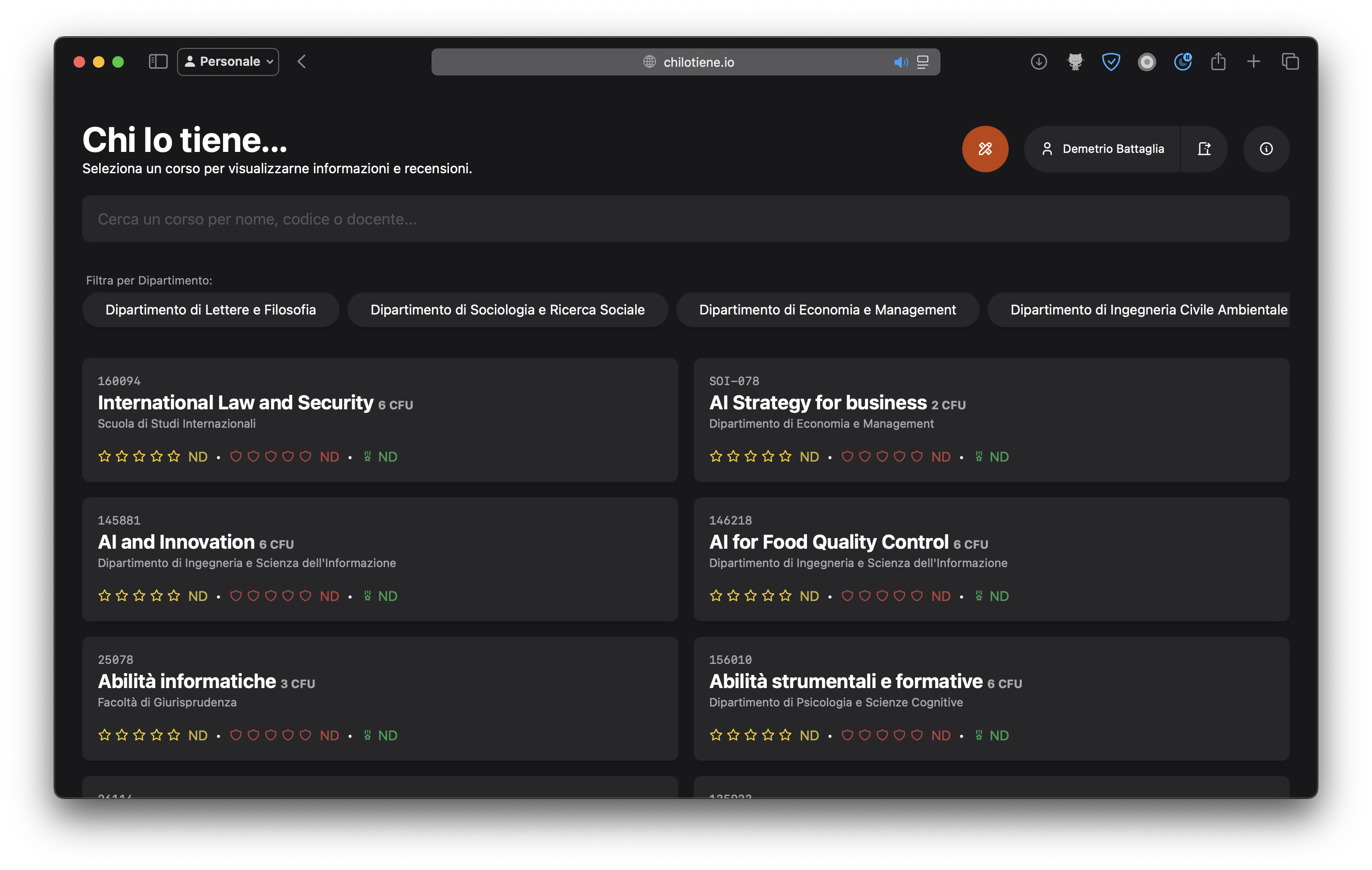
Side project website, showing reviews for courses at University of Trento. Currently deployed at chilotiene.io.
Development is currently stopped, but the website is functioning and serves as a MVP.
Core features

- Search by teacher name OR course name OR course number
- Filter by department
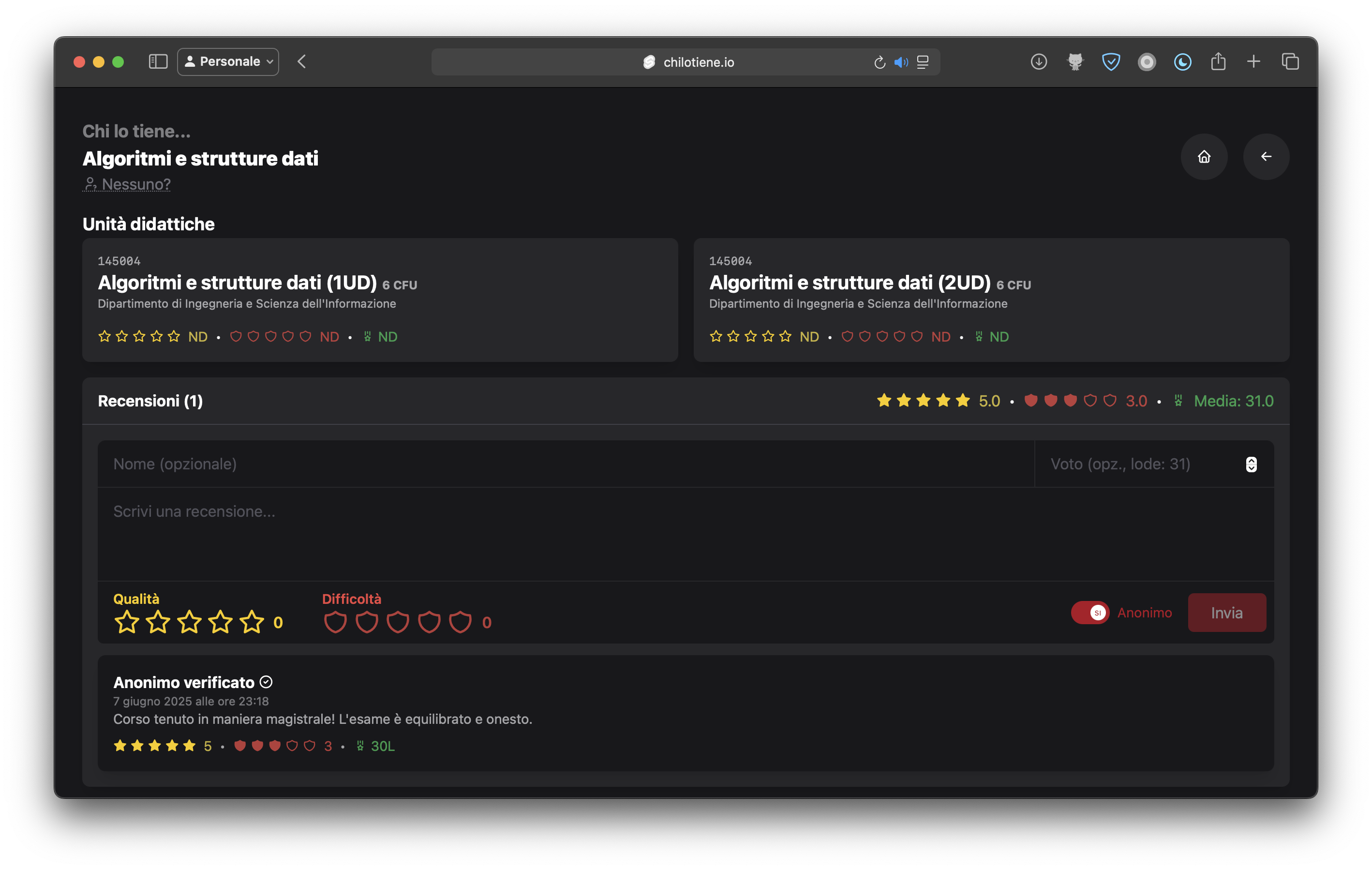
- Give anonymous or non-anonymous reviews with difficulty rating, quality rating and final grade
- Sign up with @studenti.unitn.it e-mail for giving "verified" reviews
- Automatic internationalization depending on user locale
- (or language selector at bottom of the page)
Technologies
- TypeScript
- Resend for sending sign-up confirmation e-mails
- Database: MongoDB
- Frontend
- Svelte + SvelteKit
- TailwindCSS
Info & why
The platform is built using SvelteKit. It allows students to share their experiences and opinions on various courses, helping others make informed decisions about their studies.
There are some existing review platforms, but they tend to gatekeep information, limiting access to enrolled students, hiding details behind logins or asking for personal information. I just built what I needed: an open information website where course reviews are freely accessible to anyone, with authenticated functions being completely optional and without any drawbacks for simple guests. The idea was inspired mostly by EPFL CourseFinder, but in general it was mostly an excuse to build something useful for myself and my fellow colleagues.
I also took the opportunity to experiment with some modern web technologies. The site is built with Svelte, and I explored cross-page transitions using the latest CSS and JavaScript APIs now supported in browsers. It was both a practical and enjoyable way to dive into new frontend tools while solving a real problem.
More screenshots
Developing
Once you've created a project and installed dependencies with npm install (or pnpm install or yarn), start a development server:
npm run dev

# or start the server and open the app in a new browser tab
npm run dev -- --open
Building
To create a production version of your app:
npm run build
You can preview the production build with npm run preview.
